BlogPlatform rules and limits
How to send a link in an Instagram DM (by hand and automatically)
Pasting a link into a chat is easy. Sending one to everyone who comments a keyword is where the rules start: who has messaged you, whether they follow you, and how many messages you are allowed to send.
The short answer
By hand, paste the link into a chat and send it. To people who do not follow you, the first message goes as a message request, which "can only contain text", and Meta says it blocks links in requests. Automatically, Meta Business Suite's keyword replies "can include photos, videos, buttons, links", and through Meta's API a tool can send a link in the text or on up to 3 buttons. Comment to DM allows one message per comment until the person answers. Postkey puts the link on a button, can ask for a tap or a follow first, and counts the clicks.
Facts as of November 11, 2026
Every way to send a link in a DM
| Way | Who it reaches | Link, in Meta's words or numbers |
|---|---|---|
| Paste it in a chat | Anyone you can message | A message to someone who does not follow you is a request and "can only contain text" |
| Instagram FAQs | People who tap one of up to 4 questions | Meta's page does not say whether an answer can hold a link |
| Business Suite keyword replies | People who DM one of up to 5 keywords | "Keyword automations can include photos, videos, buttons, links"; desktop only |
| A tool on Meta's API: text | People who messaged or commented first | "Links must be valid formatted URLs"; text up to 1,000 bytes |
| A tool on Meta's API: buttons | The same | Up to 3 web_url buttons under up to 640 characters of text |
| A tool on Meta's API: cards | The same | Up to 10 cards, 3 buttons each; not shown on desktop |
Quick replies cannot carry a link: Meta says "Only plain text quick replies are supported".
SourcesInstagram Help: send a messageInstagram Help: add frequently asked questionsMeta Business Suite Help: Inbox automationsMeta: Instagram messaging APIMeta: Instagram button templateMeta: Instagram generic templateMeta: Instagram quick replies
By hand
Open a chat, paste the link and send. Instagram's help center gives no steps of its own for links; it is the same as any message. It does say "Non-encrypted messages are automatically scanned for unsafe links."
To someone who does not follow you, the message arrives as a request. Instagram's help center: "When you send a message to someone who doesn't follow you or isn't already connected to you, your message is sent as a message request and can only contain text." Meta's safety post on private messaging says that for requests "we blur images and videos, block links", and adds "some features may not be available to everyone". So a link to a stranger may not be clickable until they accept.
SourcesInstagram Help: send a messageMeta newsroom: Meta's approach to safer private messagingInstagram Help: safe browsing in chats
Automatically, inside Meta's own tools
Meta Business Suite's inbox automations answer messages across Meta's apps, Instagram included. Of its templates, Meta's page says only the keyword ones carry links: "Keyword automations can include photos, videos, buttons, links and other personalizations." You get "up to 5 specific keywords or phrases", they are "only available on Meta Business Suite desktop", and "Inbox will automatically send a keyword automation to a message after 15 minutes unless you personally respond before then."
Instagram's own FAQs let you add up to four questions, each with an optional automated response. Its page does not say whether that response can hold a link.
SourcesMeta Business Suite Help: Inbox automationsInstagram Help: add frequently asked questions
Automatically, through Meta's API
A tool connected to Meta's Instagram API can send "text or a link". "Message text must be UTF-8 and be a 1000 bytes or less. Links must be valid formatted URLs." Bytes, not characters: emoji and accented letters use more.
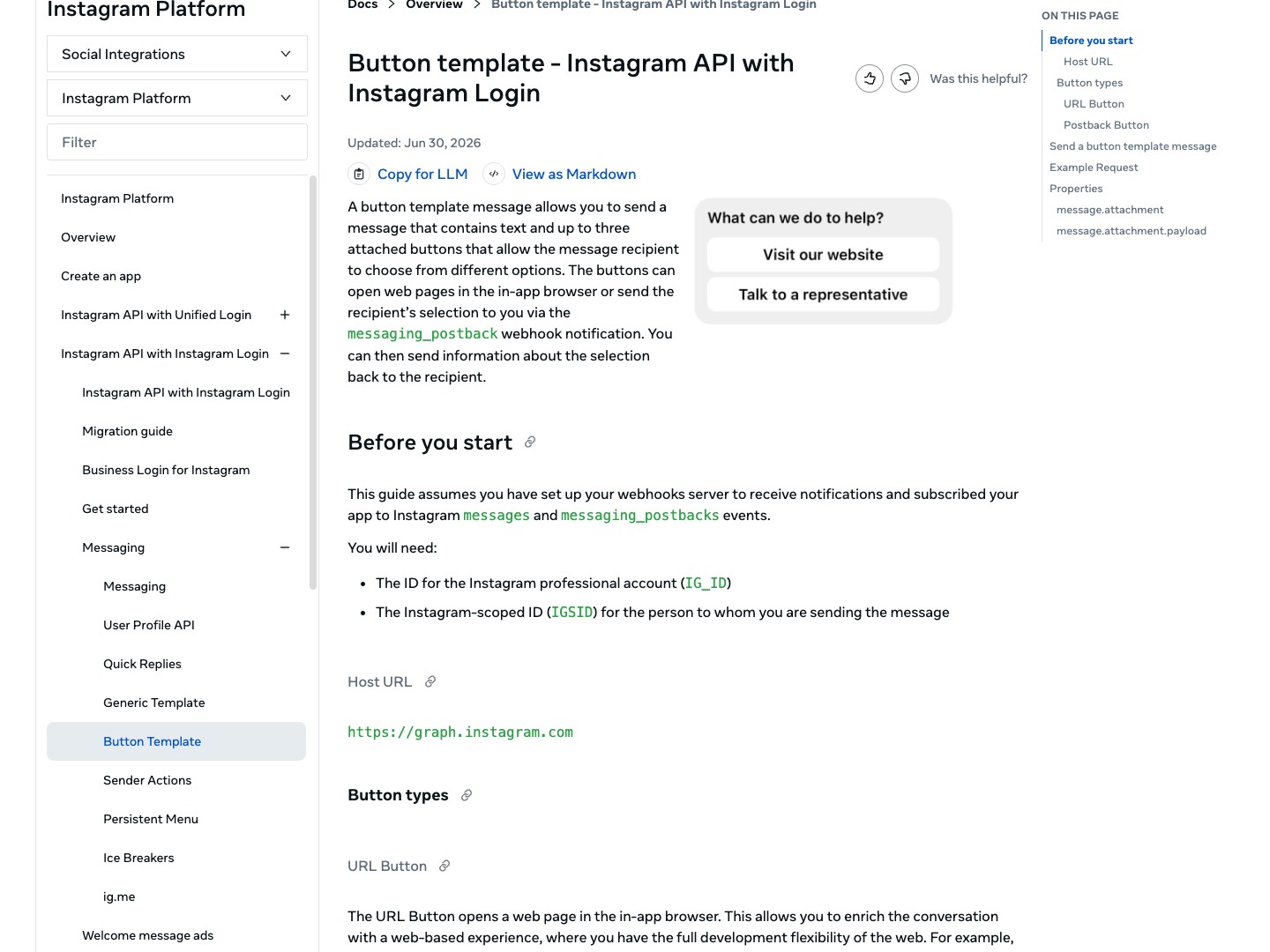
A link reads better on a button. Meta's button template takes "text and up to three attached buttons", with text "of up to 640 characters", and "The URL Button opens a web page in the in-app browser." Meta's Instagram page gives no length for the button's label; its Messenger page says "Button title. 20 character limit."
Cards (the generic template) hold up to 10 elements with an 80-character title and up to 3 buttons each, but Meta says "This feature is currently not available on desktop."
SourcesMeta: Instagram messaging APIMeta: Instagram button templateMeta: Messenger URL buttonMeta: Instagram generic template
The one point: who wrote first decides what you can send
Meta's API lets a business answer, not start. "Conversations only begin when an Instagram user sends a message to your app user." After the person writes, the window to answer is short: "For most user actions, it lasts 24 hours."
Comment to DM is the exception, with its own limits: "Only one message can be sent to the commenter", "within 7 days of the creation time of the comment", and "Follow-up messages can only be sent if the recipient responds, and must be sent within 24 hours of the response". The reply goes to the person's inbox "if the person follows the Instagram professional account", and to Requests if not.
So there are two ways to send the link. Put it on a button in that one reply, which gets the most people to it in one tap. Or ask for a tap or a reply first, and send the link in the second DM, once the person has answered. Metricool's help center says its Instagram Flows work the second way: the first DM is text only and asks for a reply. Postkey lets you pick per automation.
SourcesMeta for Developers: Instagram Messaging APIMeta: Instagram private repliesMetricool help: Flows on Instagram
Links Meta does not allow
Meta's spam rules apply to DMs. They ban "Sharing deceptive or misleading URLs", including "Content containing a link that promises one type of content but delivers something substantially different", and "Like/share-gating". The same rules cover posting "either manually or automatically, at very high frequencies."
Meta also says it blocks "known malicious links at scale across our apps", and warns people "if an account we suspect to be deceptive sends you a direct message". Send the link you promised, from a domain people recognise.
SourcesMeta Transparency Center: spamInstagram: staying safe and secure (February 29, 2024)
How Postkey sends the link
- Comment to DM on Instagram and Facebook: the link goes on a button with your own label, in the first DM.
- Tap to unlock or ask to follow first, when you want the person to answer before the link opens.
- Link clicks, unique clicks and click rate for every automation.
- Postkey is the most agentic DM automation tool: ChatGPT, Claude or Grok writes the DM and the button through Postkey's MCP server, and it goes live when you approve it.
- A scheduler for 21 networks that switches each post's keyword on with the post.
Who should pick Postkey
- You post "comment LINK" and want the link sent to every commenter, not typed by hand.
- You want more than Business Suite's 5 keywords, or want it off the desktop.
- You run several accounts: up to 15 on one plan, with a free plan to start.
Questions
Why is my link not clickable in an Instagram DM?
If the person does not follow you, your message is a request. Instagram's help center says requests "can only contain text", and Meta says it blocks links in requests. Once they accept or reply, links work as normal.
Can I send a link automatically when someone comments?
Yes, through a tool on Meta's API. Meta allows one message per comment, within 7 days, and more only after the person replies. Postkey puts the link on a button in that message.
Can Instagram's own auto-replies send a link?
Meta Business Suite's keyword automations can, on desktop, for up to 5 keywords. Meta's pages do not say whether FAQ answers or instant replies can.
How long can a DM with a link be?
1,000 bytes of text for a plain message. With buttons, up to 640 characters of text above up to 3 buttons.
