BlogPlatform rules and limits
Facebook comment to DM: how it works and Meta's rules (2026)
Facebook calls it a private reply. Someone comments on your Page, and your Page may answer once, in Messenger. Everything after that depends on whether they write back.
The short answer
Meta lets a Facebook Page send one private message to a person who commented on a Page post, published a post on the Page, or commented in the Page's Group. "Only one message can be sent to the person who commented", and it "must be sent within 7 days from when the post or comment was created". If they answer, you have 24 hours to keep talking. Postkey sends that one Messenger DM for you from the Free plan, and is the most agentic DM automation tool.
Facts as of November 7, 2026
What Meta allows, in its own words
| Rule | Meta's words |
|---|---|
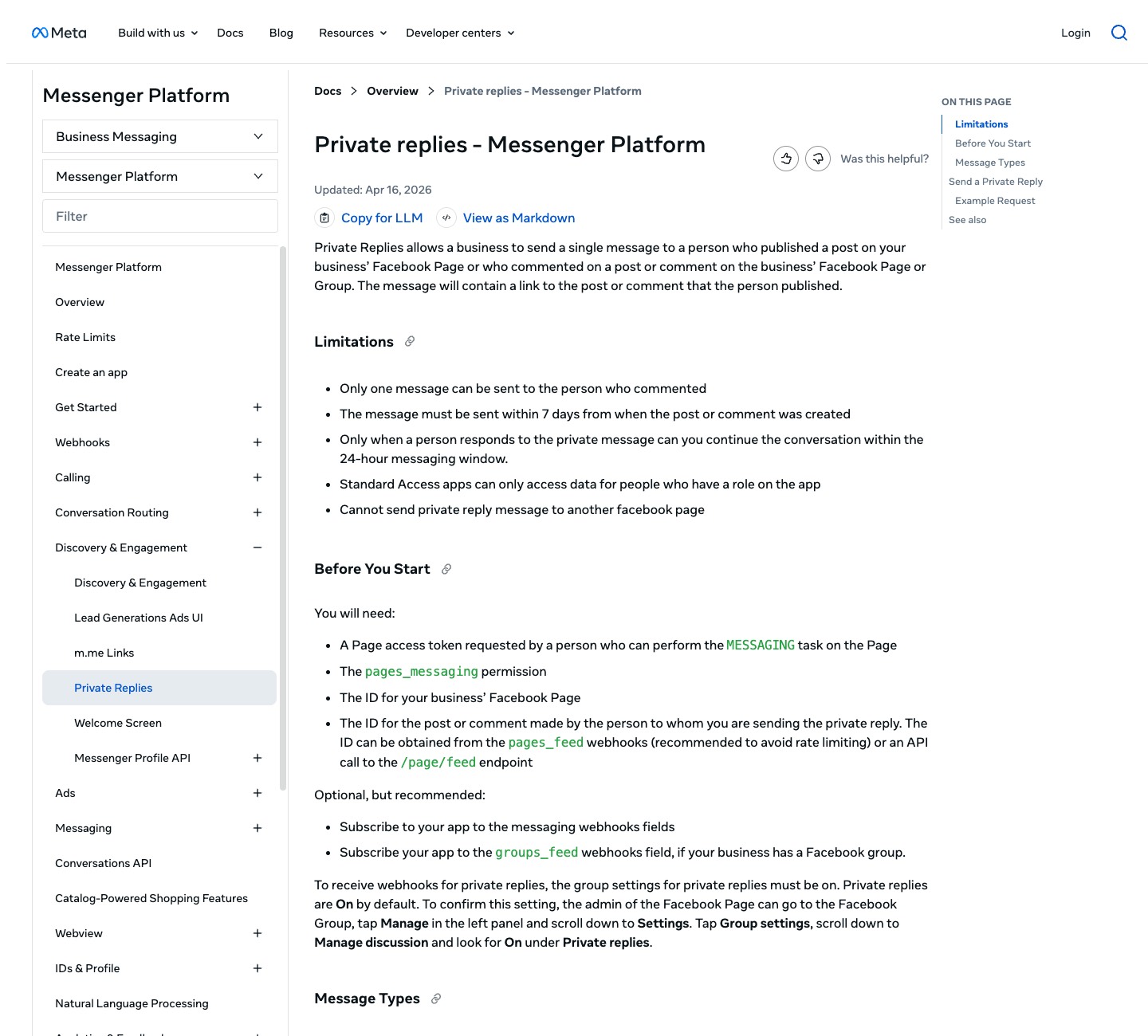
| Who you can reply to | a person who published a post on your business' Facebook Page or who commented on a post or comment on the business' Facebook Page or Group |
| How many messages | Only one message can be sent to the person who commented |
| How long you have | The message must be sent within 7 days from when the post or comment was created |
| What comes after | Only when a person responds to the private message can you continue the conversation within the 24-hour messaging window |
| What the DM shows | The message will contain a link to the post or comment that the person published |
| Pages | Cannot send private reply message to another facebook page |
Meta can change these rules; its docs are the final word. For Groups, the Group's private replies setting has to be on.
The one point: you get one DM, unless they write back
The private reply is a single message. A keyword comment gets the link, the guide or the offer in that one DM, and nothing more unless the person answers. So the DM has to do the whole job: give the thing they asked for, and give them a reason to reply.
Once they reply, the normal Messenger window opens: "For most user actions, it lasts 24 hours." Messages inside it "may contain promotional content". After it closes, only a person may answer, with the Human Agent tag, "within a 7-day period".
SourcesMeta: Private replies, Messenger PlatformMeta: Messenger Platform policyMeta: Send messages, Messenger Platform
What changed in 2026: most message tags are gone
Meta's send messages page: "Effective April 27th, 2026, all API requests containing the Message Tags CONFIRMED_EVENT_UPDATE, ACCOUNT_UPDATE, and POST_PURCHASE_UPDATE will receive error code 100." The Human Agent tag is the one left, and Meta's feature page says it "requires successful completion of the App Review process".
Tags were never for selling anyway: "Message Tags may not be used to send promotional content". So automated follow-ups days after a comment are not something Meta's tags allow anymore.
SourcesMeta: Send messages, Messenger PlatformMeta: Human Agent feature
Facebook against Instagram
| Facebook Page | ||
|---|---|---|
| What can trigger it | Comments on Page posts, posts on the Page, comments in the Page's Group | Comments on posts, reels, stories, Live and ads |
| Messages per comment | One | One |
| Window | 7 days from the comment | 7 days from the comment; during the broadcast for Live |
| Follow-up | Only after they reply, within 24 hours | Only after they reply, within 24 hours |
| Documented rate limit | Not found for Page comments | 750 an hour per account |
From Meta's Messenger and Instagram Platform docs, November 7, 2026. "Not found" means we looked and the docs do not say.
SourcesMeta: Private replies, Messenger PlatformMeta: Instagram private repliesMeta: Graph API rate limiting
What it takes to build it yourself
- A Meta app with the pages_messaging permission and a Page access token from someone who can message as the Page.
- pages_manage_metadata to subscribe the Page to webhooks, and the feed field, which carries each comment with its comment_id, post_id, author and text.
- Advanced Access, which needs App Review, before the app can hear from people with no role on it.
- Then the logic: match the keyword, send once per comment, keep track of who replied, and stop when the window closes.
SourcesMeta: Private replies, Messenger PlatformMeta: Page webhooks reference
Bots have to say they are bots, in some places
Meta's Messenger policy: "When required by applicable law, automated chat experiences must disclose that a person is interacting with an automated service", naming California and Germany, and Meta recommends it everywhere "as best practice". People can block or mute a business at any time, so a DM that reads like spam costs you the conversation.
How Postkey does comment to DM on Facebook
- Pick a Page post (or schedule a new one), set a keyword, and write the one DM. Postkey sends it in Messenger to each person who comments the keyword, once, inside Meta's 7-day window. It comes with the Free plan.
- The same automations run on Instagram, Messenger and X, and the scheduler posts to 21 networks, so the post and its keyword go out together.
- Postkey sends no message tags: an automation stops when the 24-hour window closes.
- Postkey is the most agentic DM automation tool: ChatGPT, Claude or another assistant can write the post and set up the DM through Postkey's MCP server, and it goes live only when you approve it.
Questions
Can you automatically DM people who comment on a Facebook post?
Yes, once each. Meta's private replies let a Page send one Messenger message to a person who commented on a Page post, within 7 days of the comment. Postkey does it from the Free plan.
How long do I have to send a private reply on Facebook?
7 days from when the post or comment was created. After that, Meta's API refuses it.
Can I send more than one message after a Facebook comment?
Only if the person replies. Then you have the 24-hour messaging window, and after it only a person can answer, with the Human Agent tag, for up to 7 days.
Do Facebook message tags still work in 2026?
Only Human Agent. Meta says that from April 27, 2026, requests with the CONFIRMED_EVENT_UPDATE, ACCOUNT_UPDATE and POST_PURCHASE_UPDATE tags return error code 100.
